
How I FINALLY Decluttered My Email Inbox (5 Hacks That Actually Worked)
French novelist Honore de Balzac once said: “the three most beautiful sights in the world are a ship in full sail, a galloping horse and a woman dancing.”
I’d argue that the sight of an empty email inbox is a close fourth.
Is there anything more beautiful in all of Google than that colorful graphic saying there’s “nothing in primary”?
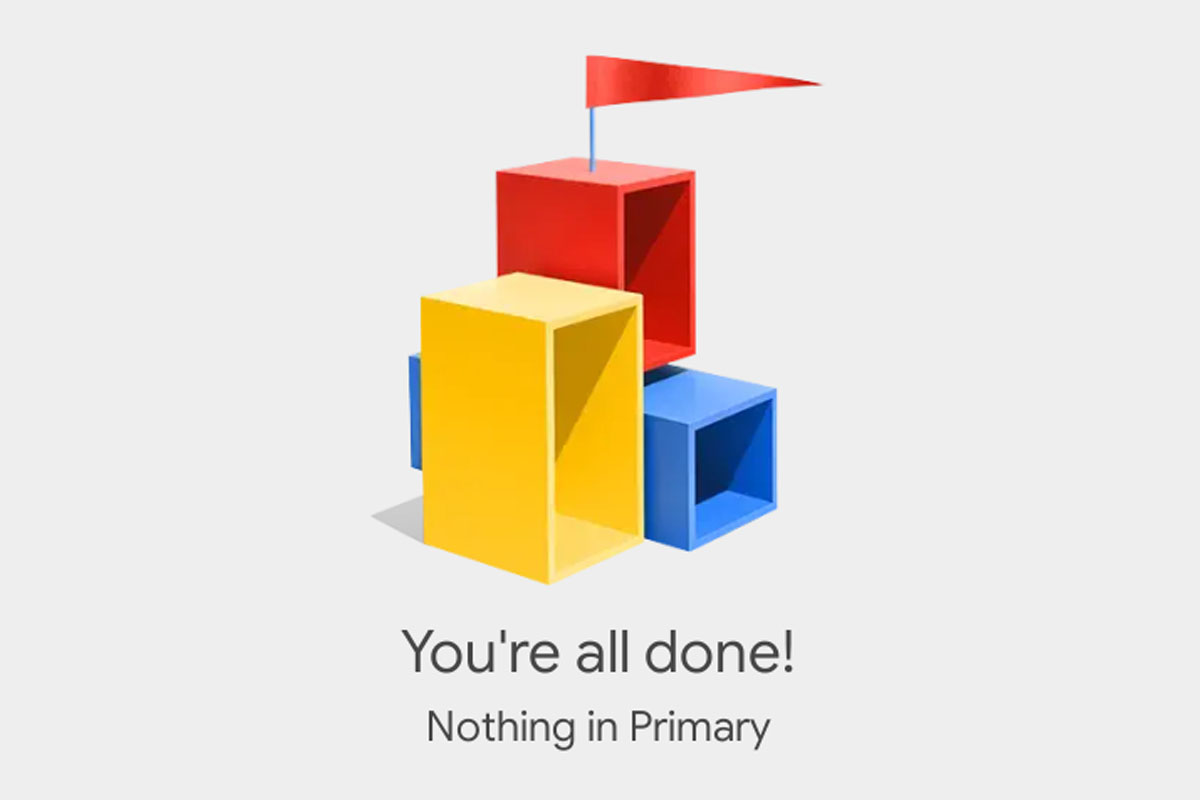
That graphic means: no more passive-aggressive messages from your colleagues asking for items you sent them last week.
No more old receipts, links to Google Drive files and news bulletins you’ve kept just in case.
And no more spammy newsletters you don’t remember signing up for, with pasta recipes you’ll never make.
How I achieved an empty inbox
I knew I needed help when I’d missed an email inviting me on a press trip to a boutique hotel on the Mediterranean.
It was an incredible opportunity. But I only replied two weeks later because their email had been buried under art history newsletters I’ve been meaning to read and contact form notifications I kept just in case.
So I decided to get ruthless. And a few days later I saw that beautiful Gmail icon telling me: “You’re all done.”
The best part? I now have systems in place to make sure I’m never drowning in emails again.
Are you buried in hundreds (if not thousands) of random newsletters, receipts and old irrelevant messages?
Here’s how to declutter and organize your email inbox – once and for all:
1. Unsubscribe from promotional emails and newsletters
You’re probably subscribed to dozens of retailer and brand newsletters that you inadvertently signed up for when you were shopping online.
Ruthlessly unsubscribe from all these for an instant hit of encouraging dopamine.
I used to just delete promotional and marketing emails as they came in.
But that’s like trimming weeds. Unless you pull weeds out by their root (unsubscribe completely), those retailer ads will just keep popping back up.
And the next time you’re shopping online, slow down at the checkout and make sure you’re not automatically subscribing to get that brand’s updates. Because their boxes are often set to “get updates” by default.
Expert tip: Use tools like Leave Me Alone or Clean Email to easily unsubscribe in bulk.
The good news: Subscriptions are usually the bulk of most inbox clutter. Once they’re reduced, your inbox is a lot easier to manage.
2. Set aside specific times to answer emails
Is your email inbox always open, pinging and vibrating to distract you away from focused work or family time?
Not every email that hits your inbox requires immediate attention. Actually, most probably don’t.
And checking your inbox 50 times a day (without actually replying to anything) is a huge time-suck that drains your capacity for focused concentration.
Science shows we have a finite daily energy pool. And your attention scatters every time you jump from a deep task to check text messages, emails and notifications.
Instead, set aside 2-3 specific time blocks a day (of 15-20 minutes each) to check your email inbox. And then immediately act on, delete or file away new emails into folders so you don’t get snowed under again.
I usually have a morning session and afternoon session to review the day’s new emails.
3. Organize your inbox with email folders
I have a few folders in Gmail for receipts, emails that I need to keep just in case and client emails I need for reference.
Folders in Gmail are a super-easy way to organize all of those emails you can’t really delete – but don’t need to act on either.
Use folders for emails like:
- receipts, pending online orders and tracking info
- emails that relate to specific projects like vacation planning, kids’ camp, insurance or home improvement
- client emails for small businesses
- family emails and updates
4. Use templates
I use Google templates for when I’m writing the same kind of reply repeatedly to common client questions.
Sometimes I’ll add in a few personalized lines for specific situations. But most of the time these template replies save me hours of time and overwhelm.
Learn how to create Gmail templates here.
5. Do a regular Friday cleanup
I like to ride off into the weekend with an empty inbox and a clear mind.
Every Friday afternoon, I go into my inbox and get rid of anything that’s accumulated over the week.
How I do a Friday clean-up:
- I delete newsletters I’ve been meaning to read. If I notice that I rarely ever get around to reading them, it usually means they’re not that tempting and I unsubscribe.
- I reply to any actionable emails. I set a timer for 15 minutes and knock out replies to those few emails I’ve been procrastinating on.
- I put emails that I need to keep for reference into folders.
Read next:
4 Best Apps To Limit Screen Time (That REALLY Work)
